Place & edit as a group
Set custom stage dimensions, start with formation presets, and place dancers with their body facings. Select a group to move it, turn by 15° or 45°, or flip left/right or upstage/downstage.
01 / Virtual Stage Director · Windows
From the first mark to the final count, shape a clear picture of where everyone belongs—and how they get there.
The floor is your canvas
Director stores productions locally in SQLite on the teacher’s Windows computer. When available, the interactive illustration uses the real showcase routine and engine.
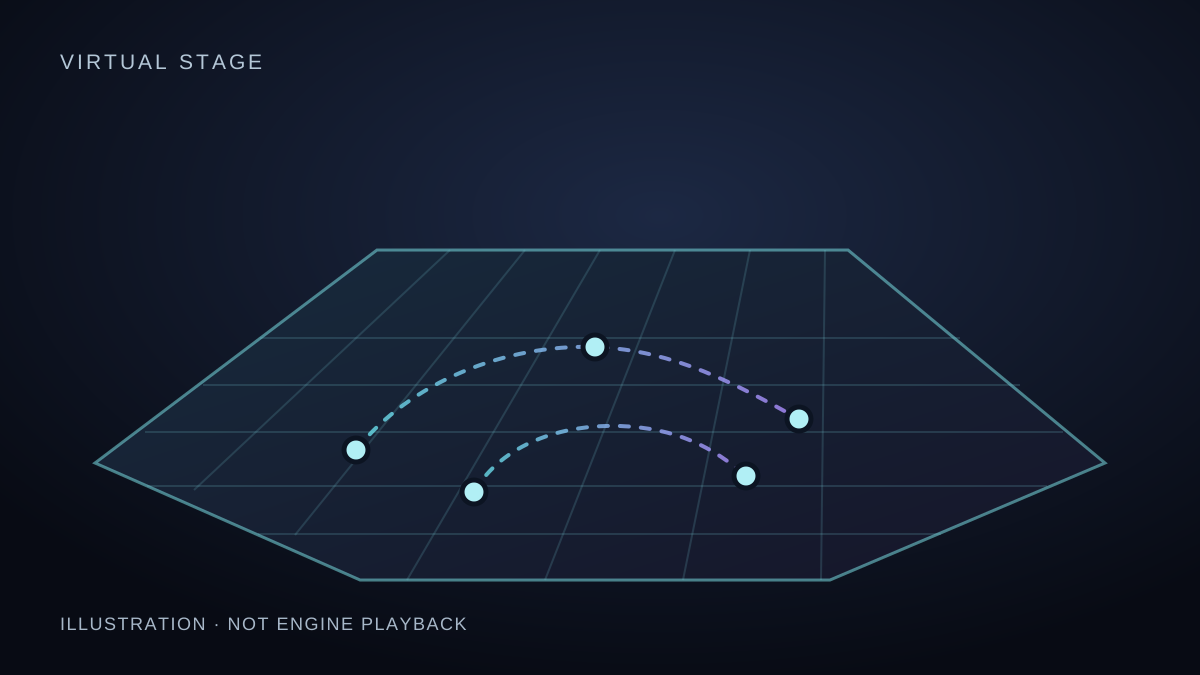
The still view has no interactive controls. The live stage requires JavaScript, WebAssembly and WebGL. Once it loads, use Tab to reach its controls, arrow keys on the stage to orbit, and the buttons to choose roles and views. Or read the sharing options.
Set custom stage dimensions, start with formation presets, and place dancers with their body facings. Select a group to move it, turn by 15° or 45°, or flip left/right or upstage/downstage.
Choose Curve, Linear or Hold transitions. A Hold whose endpoints shift earns a warning rather than a block. Name sections with formation marks. Use the Timeline’s −8 Beats or +8 Beats controls to move one eight-count at a time, or select a cell on the eight-count ruler to jump to its first beat.
Add written cues for Everyone or a specific role, and place recorded voice cues. Optional webcam or video pose capture is for an adult demonstrator; dancers with paths can practise without a pose track.
The Director’s collision ribbon marks sampled close-pass ranges; the list gives dancer pairs and beat intervals. The check samples every quarter beat and does not assess the room or guarantee safety. A pending or failed check is not a pass.
Print a stage-manager Cue Sheet with dancer codes, counts, timestamps and staging notes—a useful reference beside the floor.
Auto-Block Dance From Audio uses the song’s BPM, first downbeat and loudness across phrases to suggest formations, paths and cues. It saves a local Version History snapshot before replacing the blocking. Review, refine or restore your work; the draft is not finished choreography.
The handoff
The teacher chooses the delivery route. Each starts with a routine created in Director.
Share a cryptographically signed .bchoreo file. When prompted, dancers compare the signer with their teacher. Signed files can carry music and voice cues.
Start an authenticated local session and use QR onboarding to help dancers join. The shared snapshot can include music and voice cues.
Prepare a static web bundle with per-dancer links and manifests. Public publishing refuses a class with a song or recorded voice cue; remove audio before publishing. Published copies omit written cues and use generic section names. Dancers may also be prompted to compare the signer with their teacher on published links.
A different point of view